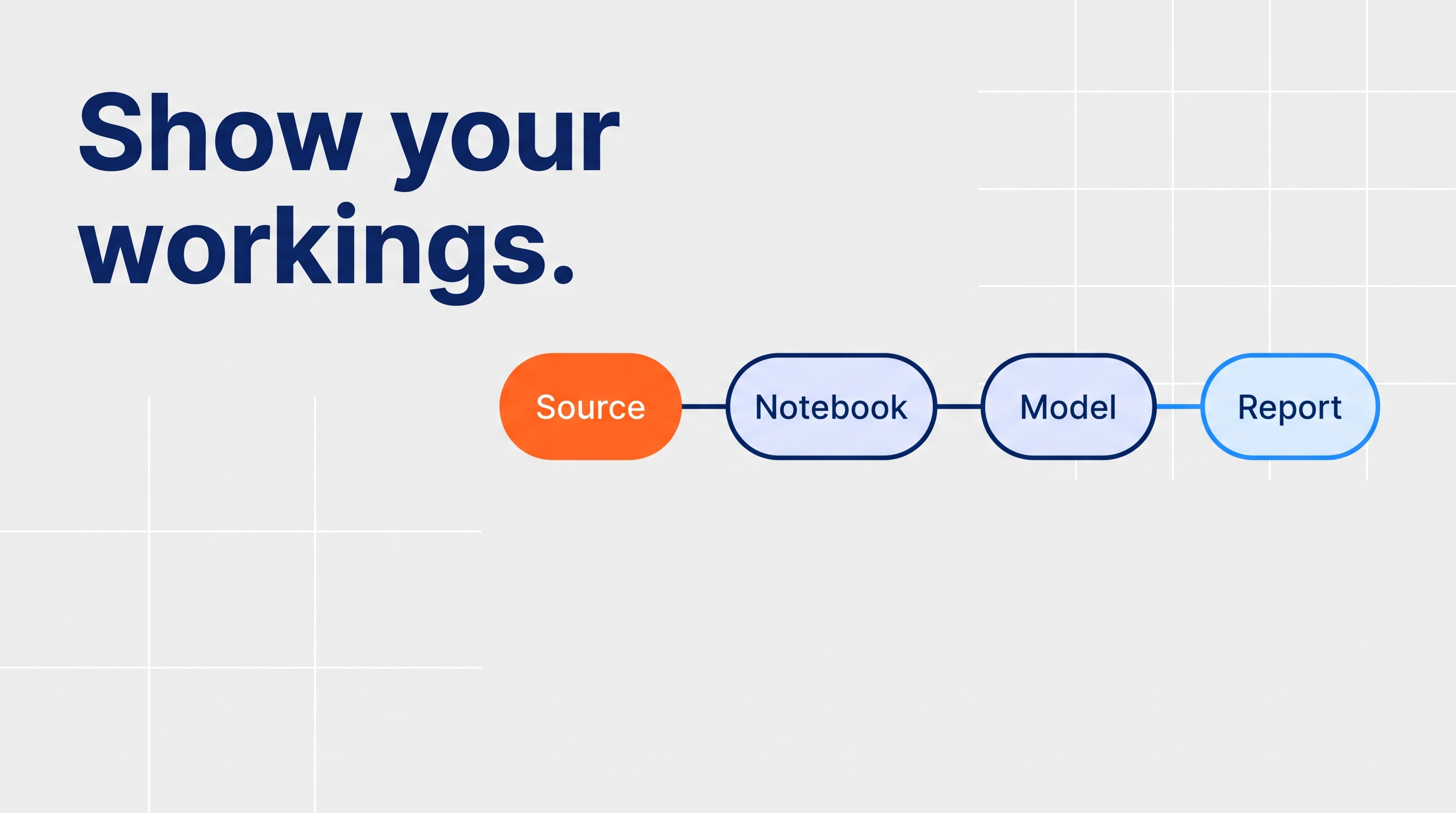
From 10 December 2026, your privacy policy must describe the kinds of personal information used in your automated decisions. To do that honestly, you need to trace each decision back through the reports, models and pipelines that feed it, all the way to the raw source. On the Microsoft platform, Microsoft Purview gives you a map of how your Fabric items connect, sensitivity labels carry your classification forward, and reading the transformation code fills the gaps in between. With a month to go, start with your five highest-risk decisions.
This article covers the technical groundwork. It isn't legal advice; work with your legal and privacy team on the final disclosures.
Why "kinds of personal information" is harder than it sounds
Picture an intake team that prioritises clients using a "priority score" in a Power BI report. On screen, it's one number. Behind it, the score might combine age, postcode, diagnosis codes from an intake form and past service usage, joined and transformed across three or four layers of a data platform.
The person using the report sees "Priority: High". Your privacy policy needs to say that health information and location data are involved. The gap between those two is what this article is about.
If you've built your register (see https://perdata.com.au/automated-decision-register-template), column 11 asks where each decision's data comes from. This is how you fill it in properly.
What the tooling gives you
Microsoft Purview can scan your Fabric tenant and bring in metadata and lineage for Fabric items, including lakehouses, warehouses, notebooks, pipelines, Dataflow Gen2, semantic models and reports. Open an item in the Unified Catalog and the Lineage tab shows what feeds it and what it feeds.
That's a genuinely useful starting point. But Microsoft's documentation is clear about the limits:
- For Fabric items other than Power BI, lineage is captured at the item level, not the column level.
- Lineage across workspaces isn't supported for non-Power BI items.
- External data sources don't yet appear as upstream sources for non-Power BI items.
- Lineage from a notebook into a pipeline isn't supported.
Think of it as a map showing which buildings are connected, but not which pipes carry what. For a privacy disclosure, you need the pipes.
Closing the gap: read the code
The column-level answer usually lives in the transformation logic itself: notebook code, SQL views and Power Query steps. That's where personal information gets joined, renamed, combined and turned into something that no longer looks personal, like a score.
The method is unglamorous but reliable. For each field that feeds a decision, follow its definition back one step at a time until you reach a raw source. Write down every personal information field you pass along the way.
This is also where AI earns its keep. A language model is good at reading transformation code and drafting a likely trace. A person still checks it, because a wrong trace means a wrong disclosure. This is the approach behind our own Lineage Intelligence work: the model drafts, people approve, and the result is written down.
The groundwork, step by step
- Start from the decision. Take a significant decision from your register and identify the report, model or rule that informs it.
- Get the item-level map. Register and scan your Fabric tenant in Microsoft Purview, then use the Lineage tab to list every item upstream of that report.
- Trace the fields that matter. For each field the decision relies on, read the code in those upstream items and follow it back to source. Note any data that comes from outside Fabric, since that won't appear in the lineage view.
- Label at the source. Apply Microsoft Purview sensitivity labels to the lakehouses and warehouses holding personal and sensitive information. In Fabric, labels flow downstream automatically from Fabric to Fabric items and from Fabric to Power BI, but not from Power BI back into Fabric.
- Watch the exits. Labels travel with exports to Excel, PDF and PowerPoint. Exports to CSV or text files don't carry protection, so check where those exports go.
- Record it in the register. Write the kinds of personal information into column 9, flag sensitive information in column 10, and link the trace in column 11.
A realistic month
With about four weeks to go:
- Week 1: pick your five highest-risk decisions from the register and get the item-level map for each.
- Week 2: trace the fields that matter through the code.
- Week 3: apply sensitivity labels at the source and review your export paths.
- Week 4: turn your findings into plain-language descriptions with your legal and privacy team.
Organisations with well-documented data platforms will move faster. Everyone else will learn a lot about their platform very quickly.
After 10 December
Lineage isn't a one-off exercise. New reports, new columns, and new pipelines can quietly bring new personal information into a decision. Make a lineage check part of how you approve changes to anything on your register.
FAQ
- Does Purview give column-level lineage for Fabric? Not for most Fabric items. Microsoft's documentation says only item-level lineage is captured for items other than Power BI, which has its own lineage support.
- Do we need to trace every system? Start with the decisions in scope for the Privacy Act obligation. That's usually a much shorter list than every system you run.
- Can AI do the tracing for us? It can draft the trace from your code, which saves a lot of time. A person should check every trace before it informs a disclosure.
- What about data that lives outside Fabric? For most Fabric items, external upstream sources don't appear in Purview's lineage view yet, so record those manually.
- Want your highest-risk decisions traced end to end before 10 December? PerData's Data Governance for AI team can map, trace, and label them with you.
About the author: Timotius Devin is AI Lead at PerData Technology Partners in Melbourne. At PerData he helps Australian organisations design, govern, and deploy AI.
Related reading
- What goes in an automated decision register?
- Automated Decisions and the Privacy Act: What Australian Organisations Need to Do Before 10 December
- Copilot Doesn't Create New Access. It Reveals the Access You Already Had.
Sources
- Microsoft Learn, How to get lineage from Microsoft Fabric items into Microsoft Purview: https://learn.microsoft.com/purview/how-to-lineage-fabric
- Microsoft Learn, Information protection in Microsoft Fabric: https://learn.microsoft.com/en-us/fabric/governance/information-protection
- OAIC, New resources on transparency for use of AI and automated decision-making: https://www.oaic.gov.au/news/media-centre/new-resources-on-transparency-for-use-of-ai-and-automated-decision-making
- Corrs Chambers Westgarth, Transparency in automated decision-making: what the OAIC guidance means for your business: https://corrs.com.au/insights/transparency-in-automated-decision-making-what-the-oaic-guidance-means-for-your-business